

Create and orchestrate
Choose a starting point in the workflow editor, then add nodes, configure inputs, and connect the steps on the canvas.
Choose how to start
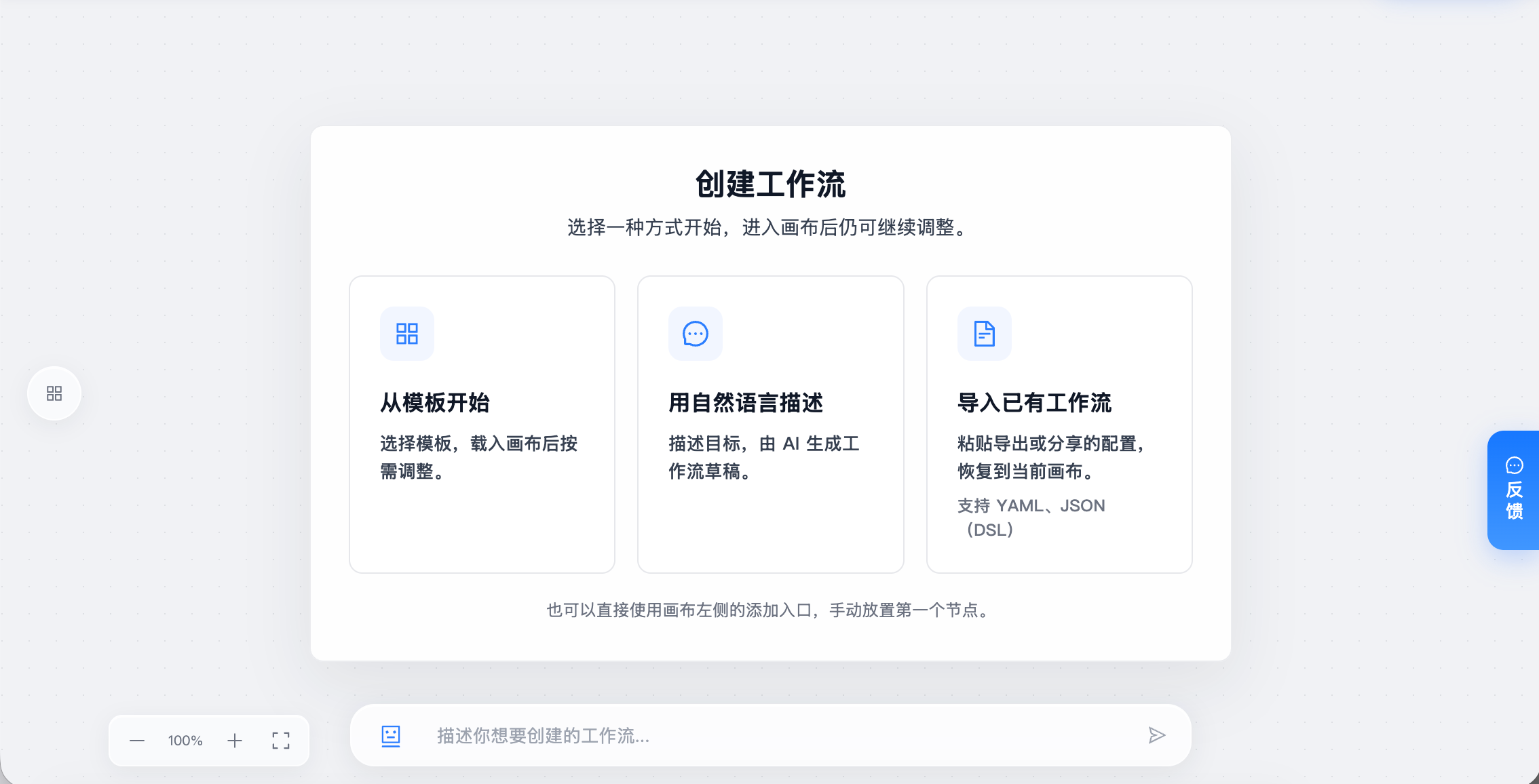
Start from a template
Select the option to start from a template.
Search by name or purpose and choose a template for your task.
Review its nodes and connections after it loads onto the canvas.
Select the source files, models, and output location, then adjust the processing parameters.
Templates provide the processing structure. You still need to select your data and destinations. See Workflow templates for each template’s purpose and settings.
Describe the task in natural language
Select the natural-language option and enter your task at the bottom of the canvas. Include the data source, processing requirements, and expected result.
For example:
Read the product manuals from the source volume, parse and chunk the text, write it to the product knowledge base, and save the processing results to the specified output volume.
Review the generated draft’s node order, then select the files, models, and destinations for each node.
Import an existing workflow
Select the import option and paste an exported or shared YAML or JSON workflow configuration. After importing, check that its referenced files, models, and target resources are available in the current workspace.
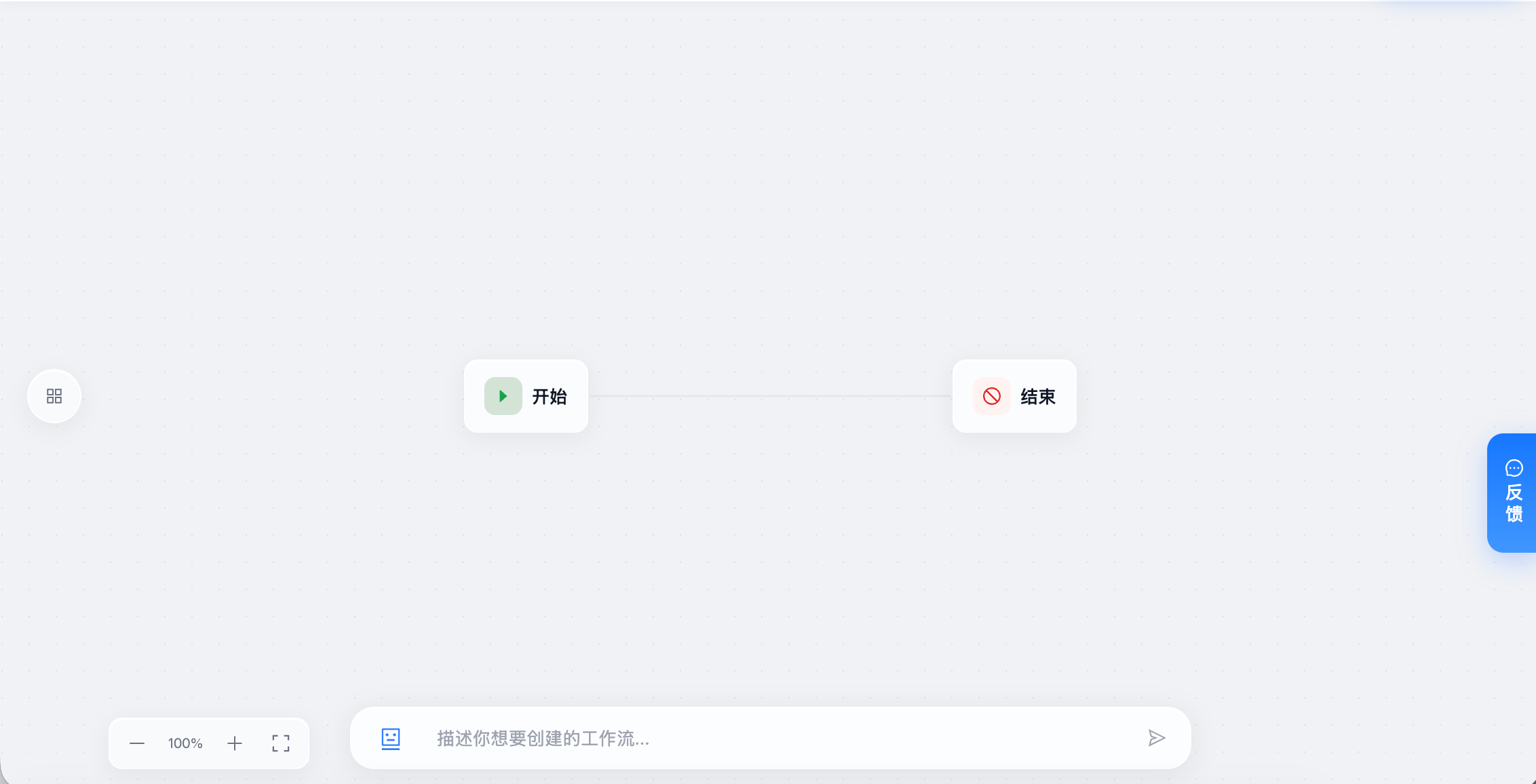
Start with a blank canvas
Use the add control on the left to place your first processing node. Start and End mark the entry and exit; place the processing steps between them.
Add and configure nodes
Open the left node panel and choose a node, such as Read MOI Volume.
Place it on the canvas, open its configuration, and select the data source.
Add the next step, such as General Document Parsing, and connect the two nodes.
Bind the reading node’s file sources to the parsing node’s input.
Add chunking, extraction, or saving steps, then connect the last processing step to End.
Connections determine execution order. Input bindings determine the data each node receives. Check that fields match: General Document Parsing takes file sources, while Segment takes parsed document records. See Variables and data flow.
Organize more complex flows
Requirement |
Node to use |
|---|---|
Run independent groups of steps at the same time |
Parallel, then join their results |
Choose a path based on data |
|
Repeat until an exit condition is met |
|
Reuse a group of steps within the current workflow |
Sub-workflow; double-click to edit its canvas |
Start another published workflow |
Workflow Trigger; provide its version and inputs |
Configure parameters and run
Check the path from Start to End, complete required settings, and confirm sources and destinations.
Start a manual run with a small sample. If the parameter form opens, complete and save it, then run again.
Open the run record and check node outputs and saved results. Expand the input set after confirming the results.
A manual run saves the current workflow before submitting execution. Saving parameters alone does not start processing. Scheduled and file-triggered modes wait for their trigger after being saved and enabled. See Run and debug.