

Workflows
A workflow connects steps such as reading data, parsing documents, extracting information, and saving results. Start from a template, describe a task in natural language, or build a flow on the canvas.
Create your first workflow
Open the workflow editor and choose how to start.
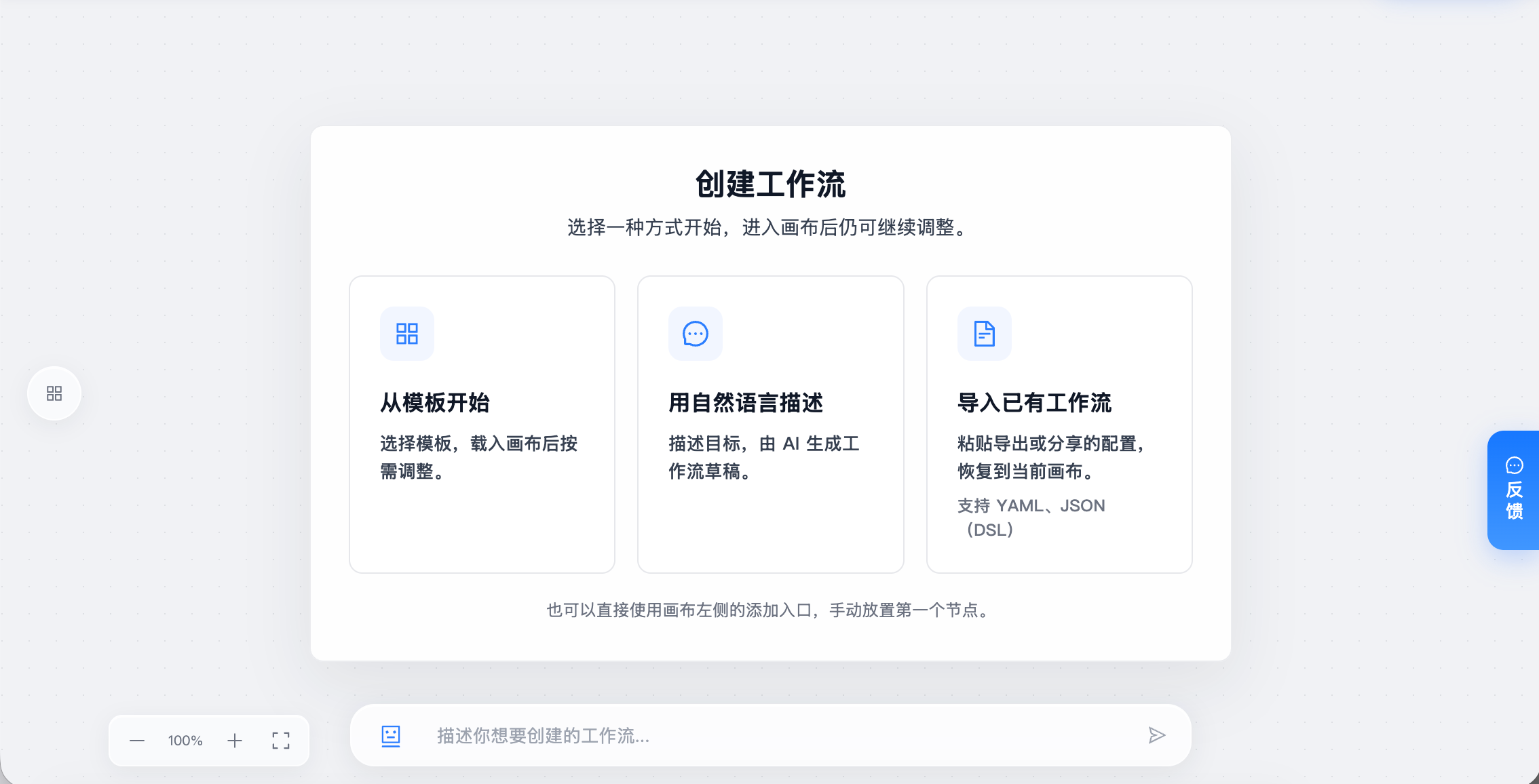
What you need |
How to start |
|---|---|
Prepare a knowledge base or extract document fields |
Start from a template to load a predefined sequence |
Generate a draft for a task you can describe |
Use natural language to specify the source, processing requirements, and output location |
Reuse an exported or shared configuration |
Import an existing workflow by pasting YAML or JSON |
Choose each processing step yourself |
Add nodes from the left side of the canvas |
See Create and orchestrate for instructions.
From input to result
The Prepare Document Knowledge Base template reads source files, parses and chunks their content, generates embeddings, and writes them to a knowledge base. It also saves processing artifacts and source relationships.
Prepare the source files, target knowledge base, and output location before starting. After loading the template, adjust settings such as parsing tier and chunk size. See Prepare Document Knowledge Base.
Configure and run
Check the steps and connections on the canvas.
Configure node inputs and bind upstream results to downstream fields.
Check the source files, models, knowledge base, and output location.
Fill in the run parameters and start processing. If parameters are missing, complete the form and run again.
Open the run record to inspect node status, outputs, and logs, then check the results at the destination.
A normal manual run saves the current workflow before submitting it for execution. Scheduled and file-triggered modes wait for their trigger after the configuration is saved and enabled.
Choose your next step
Task |
Page |
|---|---|
Add nodes and connect steps |
|
Choose a ready-made flow |
|
Configure parsing, extraction, or code processing |
|
Pass results between nodes |
|
Inspect results or troubleshoot failures |