Workbook management
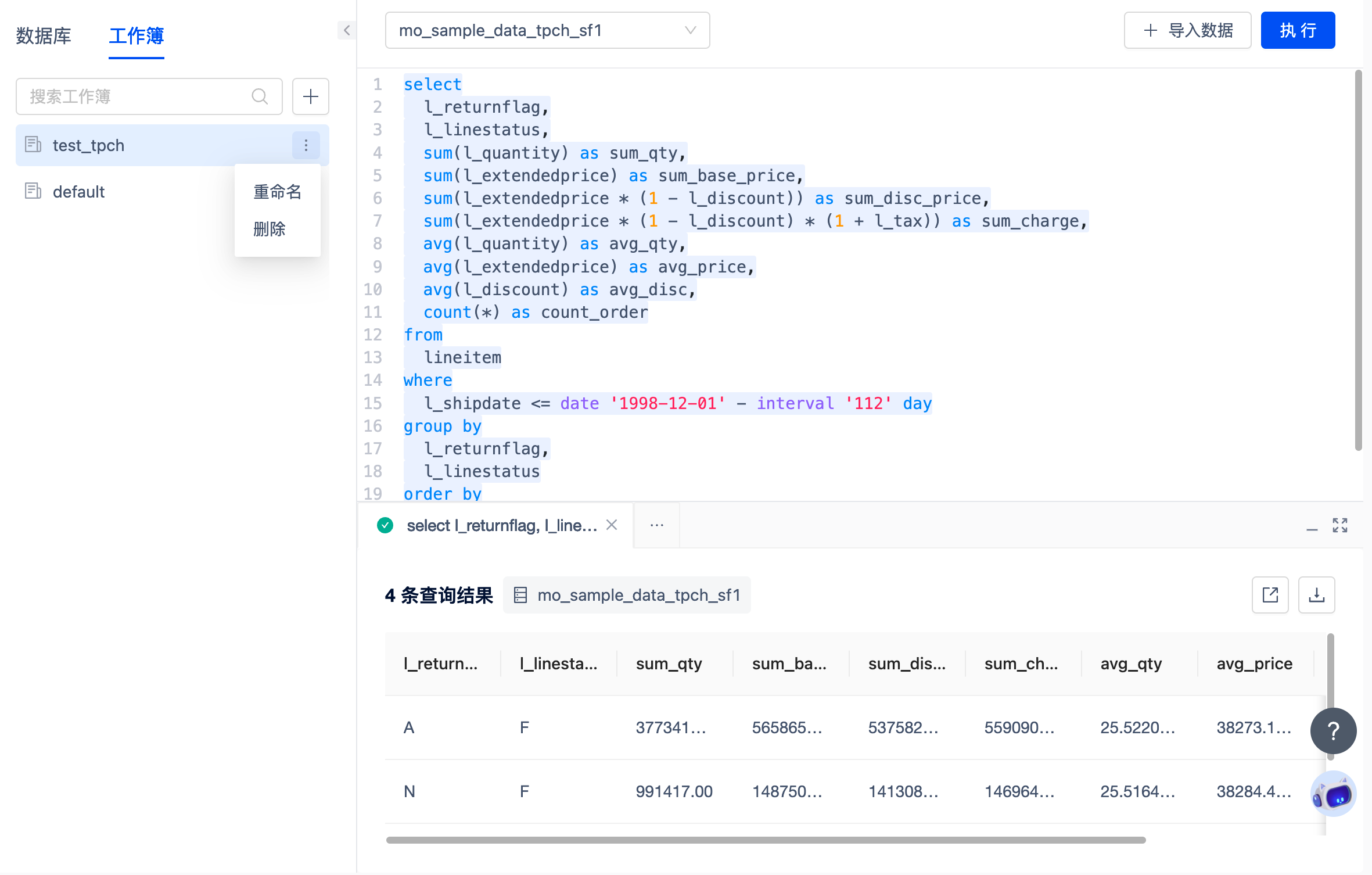
The SQL statements you edit and execute online will be saved in different workbooks for further reference and use.
When used for the first time, SQL editing and querying will be performed in the default workbook by default, and you can further modify the workbook name.
You can also click the "+" sign above the workbook list to create a new workbook. If the number of workbooks is large, the search function will be supported.
Each workbook supports multiple versions, and you will generate a draft version every time you edit it, and you will save it as the official version after clicking to execute.
Note
Each SQL User can create up to 100 workbooks, each of which will save the last 25 versions.