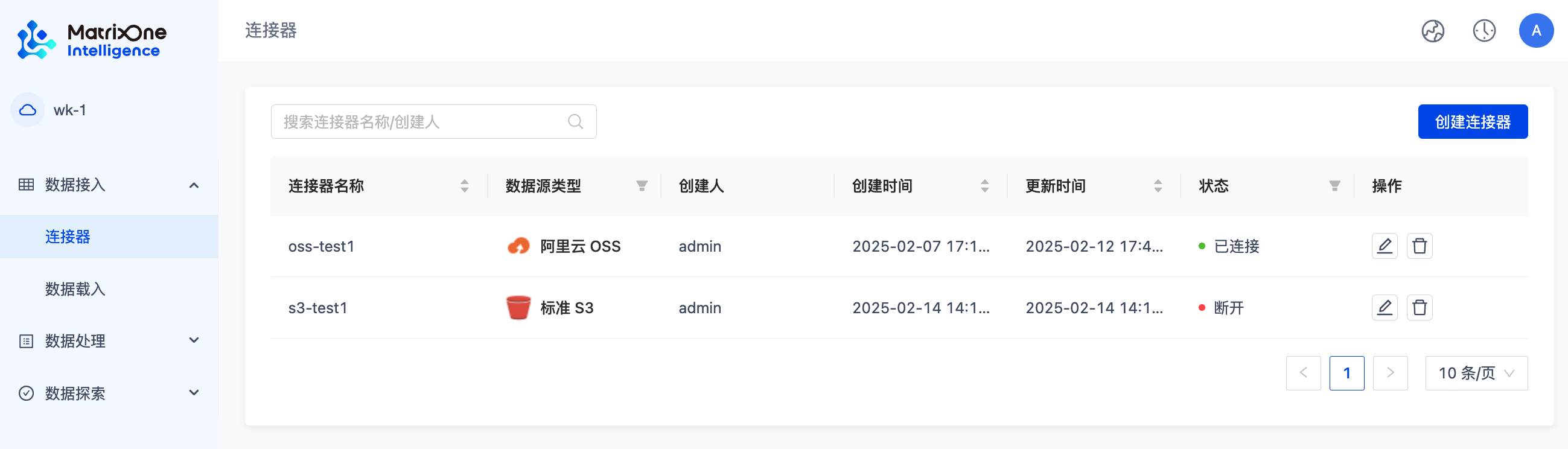
Workspace Management
This chapter will explain you in detail how to create and manage workspaces.
Create a workspace
-
Log in to your MO Intelligence account and enter the management platform.
If you do not have a MO Intelligence account, you can start registering by clicking Register and Login, or refer to the registration guide of Quick Experience MatrixOne Intelligence.
-
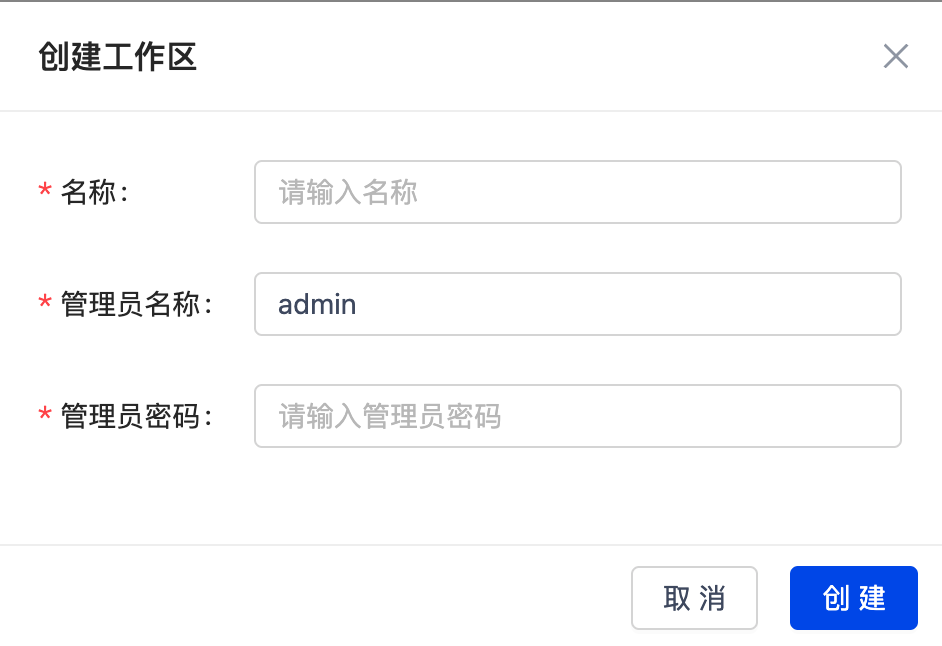
ClickGenAI Workspace in the menu bar to enter the workspace list page, and then clickCreate Workspace.
-
Enter the workspace name, administrator name (default is admin) and administrator password in the pop-up window to complete the creation.
Modify the workspace
Click the Modify icon on the right side of the workspace list to modify the workspace name and administrator password.
Delete the workspace
Click the delete icon on the right side of the workspace list to delete the workspace
Enter the workspace
Click the jump icon on the right side of the workspace list, jump to the login page, enter the user name and password you filled in when creating the workspace, and you can enter the workspace for data processing.
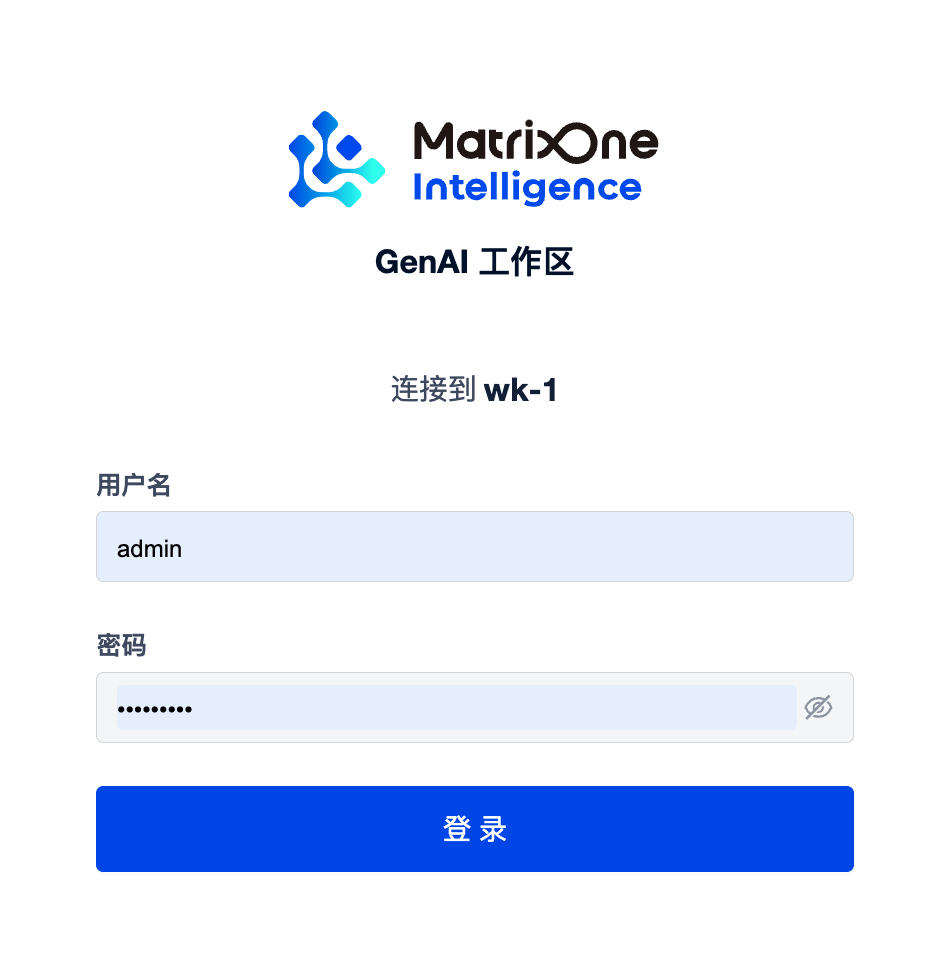
Once you enter the GenAI workspace, you can easily manage and analyze multimodal data. First, import data from Alibaba Cloud OSS and the data in standard S3 into the platform through simple steps. Next, the data is processed using the visual workflow to complete cleaning, conversion and parsing. Finally, you can integrate and analyze data through the Catalog feature to ensure data security and support further exploration.