Data Exploration
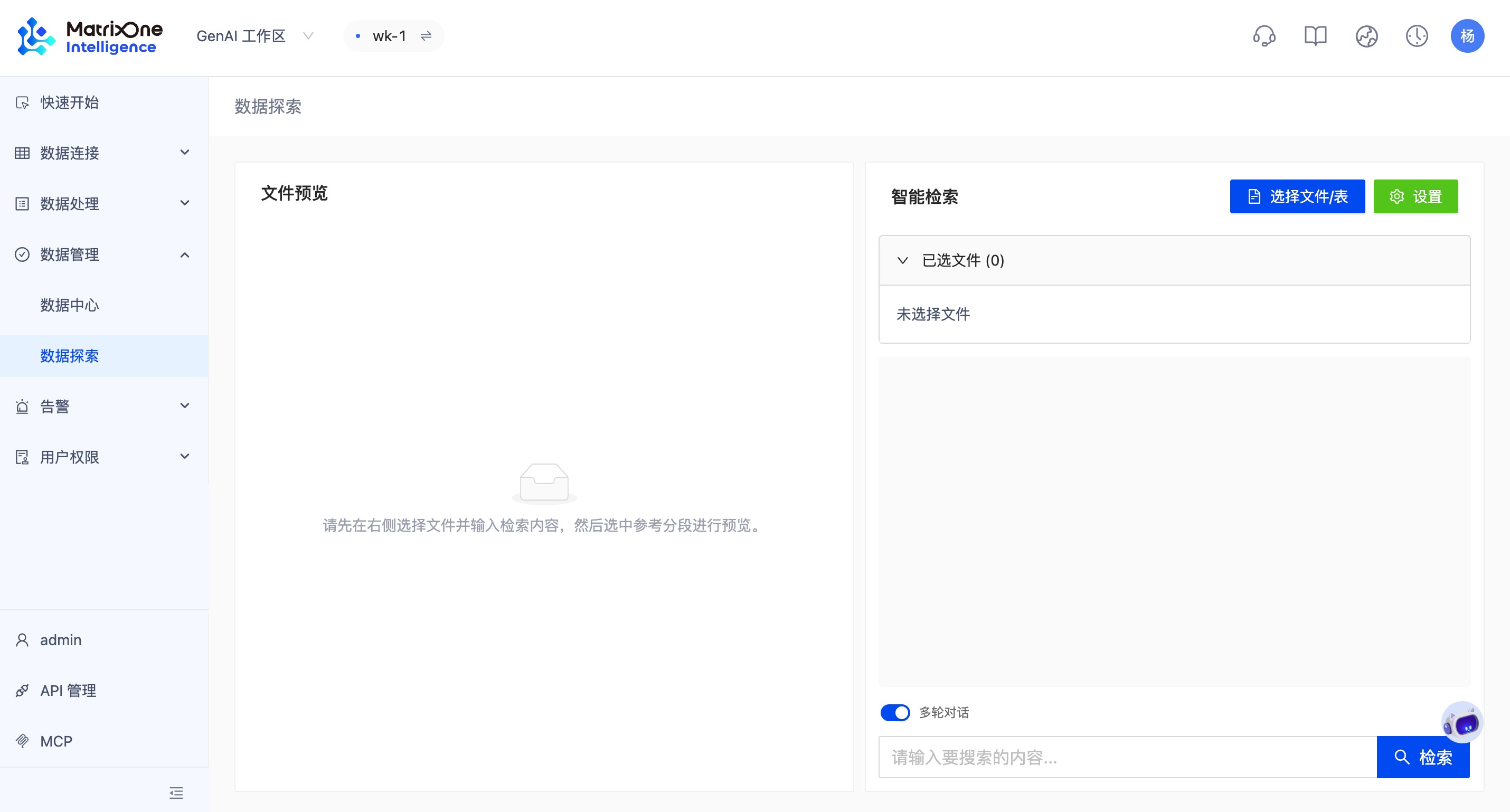
Data Exploration is MOI platform's intelligent cross-modal file retrieval and Q&A capability. This feature supports retrieving information from multiple files (including document files and table objects) simultaneously and generating intelligent summaries. Data Exploration aims to help users efficiently locate information, review content, obtain answers, and even perform complex data analysis across massive, multi-type files.
Intelligent Retrieval and Conversation
After entering the workspace, click Data Management > Data Exploration sequentially to access the retrieval interface. Click Select Files/Tables in the upper right corner to add retrieval objects. A single retrieval can span multiple files and multiple modalities, and supports multi-turn conversations that continuously reference context.
Note
Only files that have completed embedding participate in retrieval, and disabled segments are not included in the recall scope.
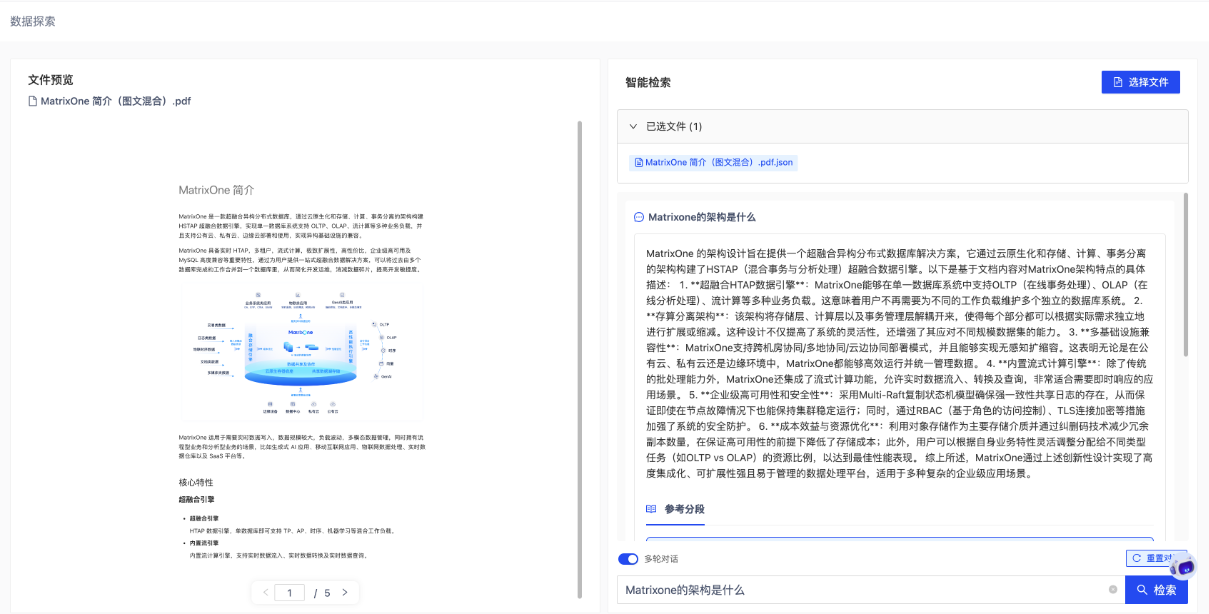
If file selection includes table objects, entering a question will trigger structured query (NL2SQL).
NL2SQL Capability Enhancement Components (Configurable)
To help the model accurately understand users' natural language questions and convert them into correct SQL, sufficient "business knowledge context" needs to be supplemented for the model. The following are the relevant configurable functional modules.
Click the Settings button in the upper right corner of the Data Exploration page to enter the configuration interface.
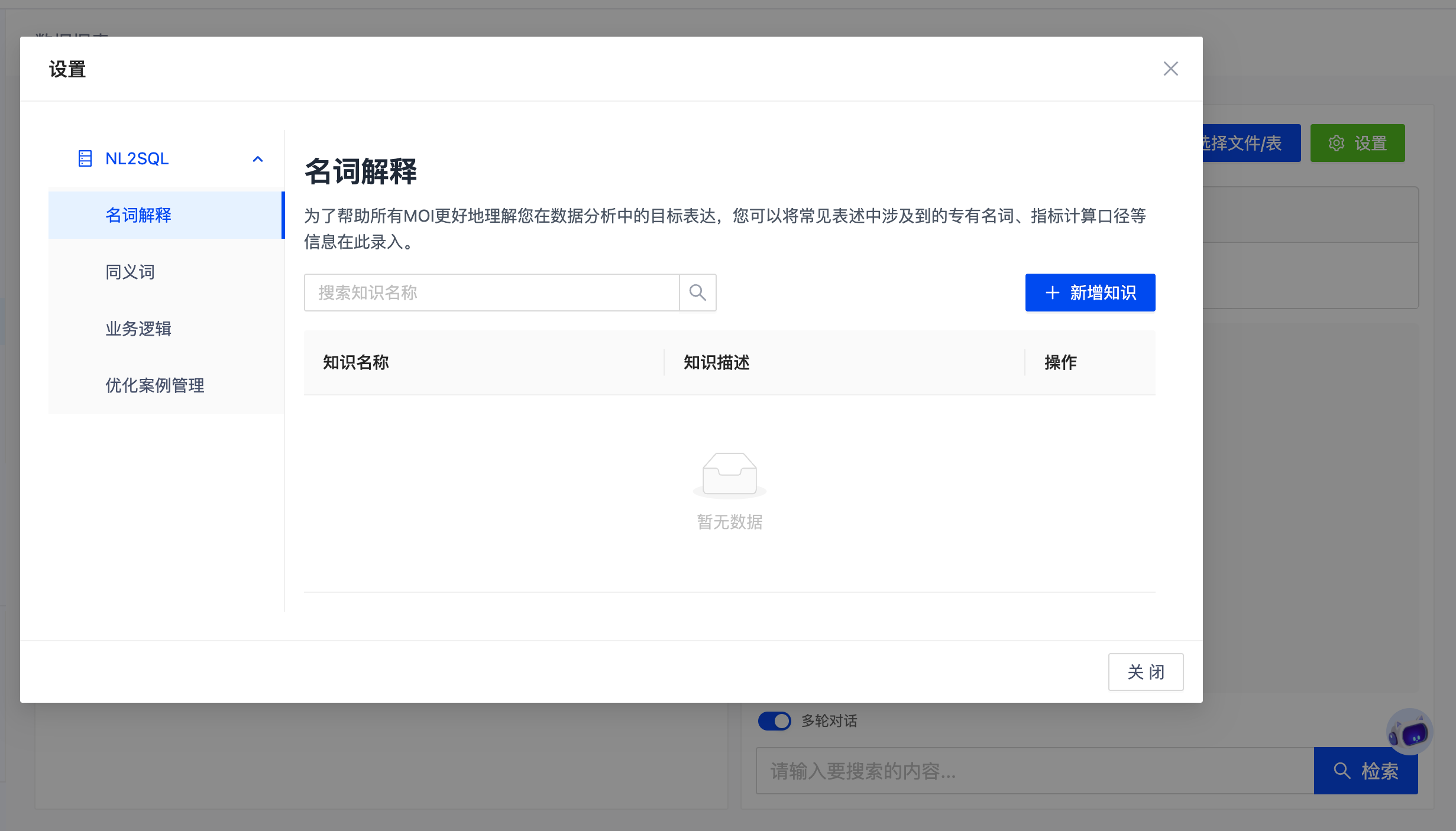
Term Definitions
Used to define business terminology and metric definitions. To help MOI better understand your target expressions in data analysis, you can record information such as proprietary nouns and metric calculation definitions commonly involved in expressions here.
Examples:
- GMV: Sum of price × quantity for paid orders
- Valid Order: Order status is (paid, shipped, completed)
Synonyms
Used to bind multiple terms to the same field. To help MOI better understand your target expressions in data analysis, you can configure various nouns and their synonyms commonly involved in expressions. Each standard term can be bound to specific table fields.
Examples:
- Sales Revenue ≈ Revenue / Turnover / GMV
- User ≈ Customer / Member
Business Logic
Used to describe complex rules, which can be set for system intelligent judgment and global application. You can record the logic definitions of business rules, proprietary nouns, metric calculation definitions, and other information here to help MOI better understand the business knowledge in natural language questions.
Examples:
- "Recent" = Last 7 days
- Globally exclude test_user_001, test_user_002
Optimization Case Management
Optimization Case Management provides two capabilities: wildcard management and case library management. Wildcards need to be used in conjunction with the case library. Please add wildcards first, then add the case library.
Wildcards abstract variable parameters to improve case reuse rate.
Examples:
- {City} = Beijing, Shanghai, Guangzhou, Shenzhen
- {Product Line} = Mobile phones, Computers, Wearable devices
The case library adds mappings between question patterns and standard SQL, used to directly guide the model in generating SQL.
Examples:
- Question Pattern: Query {City}'s {Product Line} sales revenue
- SQL:
SELECT SUM(total_amount)
FROM sales_orders
WHERE city = '${City}' AND product_line = '${Product Line}';